How to Calculate a Fiber Optic Power Budget: A Step-by-Step Guide
By Jergeo Engineering Team | Published September 2026 · 12 min read
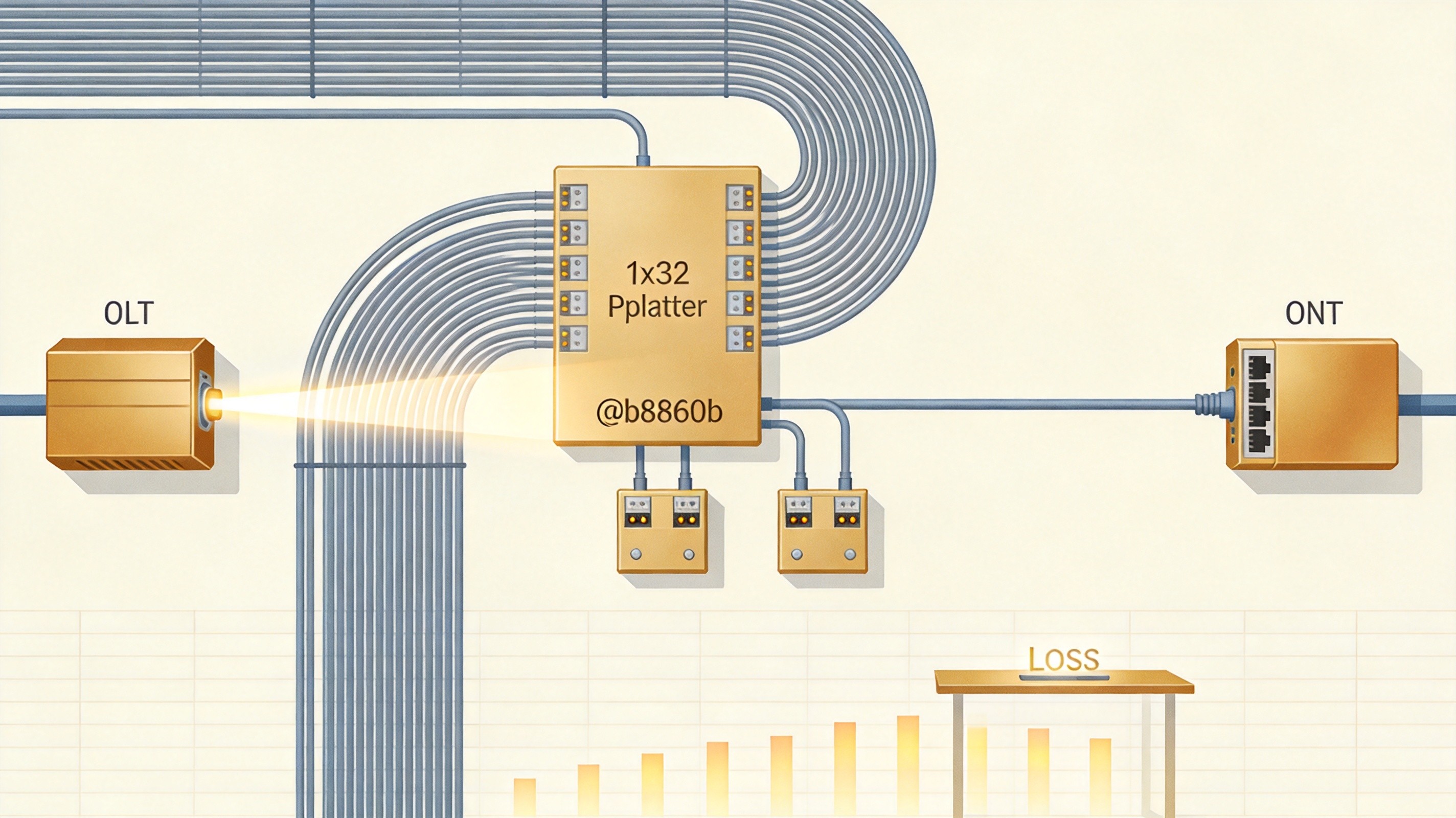
A fiber optic power budget is the optical math that decides whether a link will work before you build it. It answers one question: after every dB of loss is subtracted from the transmitter's launch power, is there still enough light at the receiver to decode the signal reliably? Get this wrong — or skip it entirely — and you end up with drops, slow speeds, and rip-and-rework on routes that looked fine on paper.
Summary
A power budget = transmitter output power (dBm) − receiver sensitivity (dBm). The total link loss (fiber attenuation + connector pairs + splices + passive components such as splitters) must stay below that budget, and you should reserve at least 3 dB of operating margin — 3 to 6 dB is common. In PON/FTTH links, verify both upstream and downstream independently, because they use different wavelengths with different loss.
TL;DR
A power budget = transmitter output power (dBm) − receiver sensitivity (dBm). The total link loss (fiber attenuation + connector pairs + splices + passive components such as splitters) must stay below that budget, and you should reserve at least 3 dB of operating margin — 3 to 6 dB is common. In PON/FTTH links, verify both upstream and downstream independently, because they use different wavelengths with different loss.
This guide walks through the calculation step by step. To keep it honest and useful, every loss value is presented as a range or as multiple options — the theoretical minimum, the worst-case standard value (TIA-568.3-D), and the typical field value — because the "right" number depends on the actual components, install quality, and standards you design to. Choose the assumption that matches your project. Where we reference Jergeo products, we only state facts we can verify; for anything unspecified (such as exact per-unit insertion loss of a given model), we say so rather than invent a number.
Part 1: The Three Numbers That Define Your Budget
Every power budget rests on two specifications from the active equipment's datasheet, and one derived number:
- Transmitter output power (P_TX, dBm) — the minimum launch power the transmitter guarantees. Use the minimum, not the maximum, for a worst-case design.
- Receiver sensitivity (P_RX, dBm) — the minimum optical power the receiver needs to operate error-free. Usually a negative number like −28 dBm.
- Power budget (dB) = P_TX − P_RX.
The power budget is your allowable loss ceiling. Example: a transmitter at −15 dBm and a receiver at −28 dBm gives a 13 dB budget.
dB vs dBm — get this right first. dBm is an absolute optical power referenced to 1 mW (used for transmit power and receiver sensitivity). dB is a relative ratio (used for losses, e.g., dB/km, dB per connector pair). You subtract dB losses from a dBm budget. Confusing the two is one of the most common — and most invalidating — errors in the entire calculation.
Part 2: The Four Loss Components of a Link
A link's total loss is the sum of four contributors:
Total Link Loss (dB) = Fiber Loss + Connector Loss + Splice Loss + Passive Component Loss (e.g., splitter, WDM)
2.1 Fiber attenuation
Fiber absorbs and scatters light at a rate that depends on the operating wavelength. Use the attenuation coefficient for the exact fiber type and wavelength of your system.
| Application / Fiber | Wavelength | Typical | Standard max (TIA-568.3-D / ITU-T) |
|---|---|---|---|
| Singlemode OS2 (FTTH / backbone) | 1310 nm | ≈ 0.30–0.35 dB/km | 0.4–0.5 dB/km |
| Singlemode OS2 | 1490 nm (GPON down) | ≈ 0.30 dB/km | ≤ 0.4 dB/km |
| Singlemode OS2 | 1550 nm | ≈ 0.20–0.25 dB/km | ≤ 0.4 dB/km |
| Singlemode OS2 | 1577 nm (XGS-PON down) | ≈ 0.25 dB/km | ≤ 0.4 dB/km |
| Singlemode OS2 | 1270 nm (XGS-PON up) | ≈ 0.40 dB/km | ≤ 0.47 dB/km |
| Multimode OM3/OM4 (indoor) | 850 nm | ≈ 3.0 dB/km | 3.5 dB/km |
| Multimode OM3/OM4 (indoor) | 1300 nm | ≈ 1.0 dB/km | 1.5 dB/km |
For FTTH planning, 1310 nm or 1270 nm upstream is usually the limiting wavelength because attenuation is higher there. ALWAYS match the attenuation coefficient to the correct fiber type and wavelength — mixing a multimode value into a singlemode budget (or vice versa) is an easy, costly mistake.
2.2 Connector loss
Every mated connector pair (a plug seated into an adapter) adds insertion loss. Count every pair in the full path — patch cords at both ends, patch panel connections, inline couplers, equipment ports. This is where budgets most often come up short: components are under-counted.
| Option | Value per mated pair | When to use |
|---|---|---|
| APC polish (typical) | 0.2–0.3 dB | PON/FTTH — best return loss, recommended angle |
| UPC polish (typical) | 0.3–0.5 dB | Standard datacom / telecom |
| Conservative engineering value | 0.5 dB | Safest general planning number |
| TIA-568.3-D maximum | 0.75 dB | Worst-case compliance limit |
2.3 Splice loss
Every fusion or mechanical splice adds loss.
| Splice type | Typical loss | Budget value | Standard max |
|---|---|---|---|
| Fusion splice (good equipment) | 0.02–0.1 dB | 0.1–0.3 dB | 0.3 dB (TIA) |
| Mechanical splice | 0.3–0.5 dB | 0.5 dB | 0.75 dB (TIA) |
| Field-terminated connector | 0.5–1.0 dB | 0.3–0.75 dB | 0.75 dB |
Good splicing achieves very low loss, but budget conservatively — the small per-splice difference compounds across dozens of splices on a long route.
2.4 Passive component loss (splitters, WDM, etc.)
Optical splitters are usually the largest single loss in a PON link — often larger than the accumulated connector and fiber loss combined. WDM mux/demux, attenuators, and other passives add to it. Splitters are detailed in Part 3; here note that splitting loss is physical and unavoidable: a 1:32 split divides the power into 32 paths, so no splitter can beat the 15 dB theoretical limit.
Part 3: Splitter Loss — The Component That Decides PON Reach
For a PON/FTTH network, the splitter is the dominant loss element, so it deserves a section of its own. The theoretical splitting loss is 10 x log10(N), where N is the split ratio. Real devices add excess loss (coupling, uniformity, connectors), so plan for a range:
| Split ratio | Theoretical min (dB) | Typical worst-case planning (dB) | Observed range (dB) |
|---|---|---|---|
| 1:2 | 3.0 | 3.5–4.0 | 3.2–4.2 |
| 1:4 | 6.0 | 7.2–7.5 | 6.5–8.0 |
| 1:8 | 9.0 | 10.5 | 9.8–11.0 |
| 1:16 | 12.0 | 13.5–14.0 | 12.8–14.5 |
| 1:32 | 15.0 | 17.0–17.5 | 16.5–18.0 |
| 1:64 | 18.0 | 20.5–21.0 | 20.0–21.5 |
Two honest notes: first, these are industry planning values compiled from multiple engineering sources — the exact insertion loss of any real splitter varies by manufacturer, exact design, excess-loss performance, and uniformity, so always confirm from the specific unit's datasheet. Second, a 1:64 or 1:128 split consumes 20+ dB of the budget by itself; that's why high split ratios require premium optical classes (Part 4).
Jergeo manufactures 1x8 card-type PLC splitter cassettes, 1x16 tray-type cassettes, and 1x32 tray-type cassettes, single-mode with SC/LC adapters and PC/UPC/APC polish options, operating from −40 to +85°C. Because PLC splitting loss is physically determined by the ratio, these models sit at the corresponding loss points in the table above; the exact per-unit insertion loss is specified on request in each datasheet rather than approximated here.
Part 4: PON Class Budgets — Know Your Allowable Loss Ceiling
FTTH equipment is sold by class, and the class sets the maximum loss the optics can tolerate. Match the budget to the actual OLT/ONU pair you deploy — the SFP or ONU datasheet lists the class.
| Standard | Class | Nominal budget (dB) | Typical use |
|---|---|---|---|
| GPON | B+ | 28 | Standard FTTH |
| C+ | 32 | Long-reach / dense split | |
| C++ | 35 | Extended reach | |
| XGS-PON | N1 | 29 | 10G symmetric FTTH |
| N2 | 31 | 10G high-loss paths | |
| E1 | 33 | 10G extended reach | |
| 25G-PON | E1 | 29 | 25G symmetric FTTH |
Practical decision: if your path loss (from Parts 2–3) plus margin exceeds 28 dB, a Class B+ GPON link won't work — you either take a smaller split ratio, use a higher class (C+/C++ or XGS N2/E1), shorten the fiber run, or reduce connector/splice count. These are the levers; this article presents them all honestly because the right one depends on your cost and topology constraints.
💡 Try it live
Run your own link loss with our free PON Power Budget Calculator — plug in your distance, connectors, splices and splitter, and see if your Class B+ link passes in seconds.
Part 5: Worked Examples, Step by Step
Example A — Typical residential FTTH, 1:32 split
A GPON network with the OLT in a central equipment room and each ONU about 500 m of drop from a fiber distribution box. Components per ONU: 500 m fiber, 2 connector pairs (SC), 4 fusion splices, one shared 1:32 splitter. Assumptions: GPON Class B+ (28 dB budget).
| Component | Assumption | Subtotal (dB) |
|---|---|---|
| Fiber (0.5 km, 1310 nm worst) | 0.35 dB/km | 0.18 |
| Connectors (2 pairs) | 0.5 dB/pair | 1.00 |
| Fusion splices (4) | 0.1 dB/splice | 0.40 |
| Splitter 1:32 | 17.5 dB (worst-case planning) | 17.50 |
| Total link loss | ≈ 19.1 dB | |
| System margin | 3 dB reserved | 3.00 |
| Total planned | ≈ 22.1 dB | |
22.1 dB < 28 dB budget → comfortable margin of ~5.9 dB. This passes cleanly with Class B+.
Example B — Same link with a 1:64 split (and why it changes things)
If you need to double the ONUs served by the same OLT port, moving to a 1:64 split adds about 3.5 dB (17.5 → 21.0 dB splitter). Total planned loss rises to roughly 25.6 dB. That still passes a 28 dB Class B+ budget, but with only ~2.4 dB of margin — under the 3 dB recommendation. In practice this forces one of several choices, all valid depending on your priorities:
- Option 1: Upgrade optics to GPON Class C+ (32 dB) for ~4 dB more headroom.
- Option 2: Keep 1:64 but shorten runs / cut connector or splice count / pre-terminate to reduce loss.
- Option 3: Accept a thin margin if equipment is premium and contamination is tightly controlled — but document the risk of aging and dirty end faces.
This is exactly why the budget must be calculated per route, not guessed from a ratio — a 1:64 split that works on a short clean link can fail on a longer one.
Part 6: How Much Margin Is Enough?
Opinions differ by source and scenario, so here are the honest options:
- FOA recommendation: maintain at least 3 dB of margin for long-term reliability.
- Common field practice (per various engineering guides): 3–6 dB; 6–8 dB appears in some academic/network texts.
- Standards context: ANSI/TIA-942-B and BICSI TDMM recommend a minimum 3 dB system margin, and 3–5 dB for singlemode.
Margin absorbs: transmitter aging, connector contamination (the single biggest field cause of loss creep), bend loss, future repair splices, and temperature drift. Designing to zero headroom routinely fails within a year or two.
Part 7: Six Common Power Budget Mistakes
- Mixing dB and dBm. Already covered — the fastest way to a wrong budget.
- Under-counting components. Missing patch panels, jumpers, or inline couplers. Every mated pair counts.
- Using the wrong wavelength's attenuation. A multimode value in a singlemode budget (or grafting ITU-T G.652 numbers onto a G.657 run) invalidates fiber loss.
- Planning to zero margin. No allowance for aging, dirt, or repairs.
- Omitting bend loss. Micro-bends add 0.1–3 dB; keep ≥30 mm bend radius (standard fiber) or ≥10 mm (bend-insensitive G.657). Longer wavelengths (1550/1577 nm) suffer more.
- Checking only one direction. PON upstream/downstream use different wavelengths and optics; both must have positive margin independently.
Part 8: Verify on the Ground
A budget is a design estimate, not proof. After installation, confirm with insertion-loss testing (optical power meter + light source) or an OTDR, comparing measured channel loss against the calculated budget per ANSI/TIA-568.3-D field-testing guidance. Keep results — they're your acceptance record and your early-warning baseline for future troubleshooting. Allow ±0.2–0.5 dB for measurement uncertainty when setting pass/fail thresholds.
A note on accuracy. The values in this guide are compiled from the Fiber Optic Association methodology, TIA-568.3-D / ITU-T standards, and multiple engineering references, and are presented as ranges because real performance depends on components and install quality. For any specific Jergeo product, the exact datasheet values (insertion loss, uniformity, return loss) are provided with the product rather than implied here. If a number here depends on assumptions you haven't locked down, resolve the assumption before you order — a budget only saves you if it's built on the numbers you'll actually deploy.
Related Products
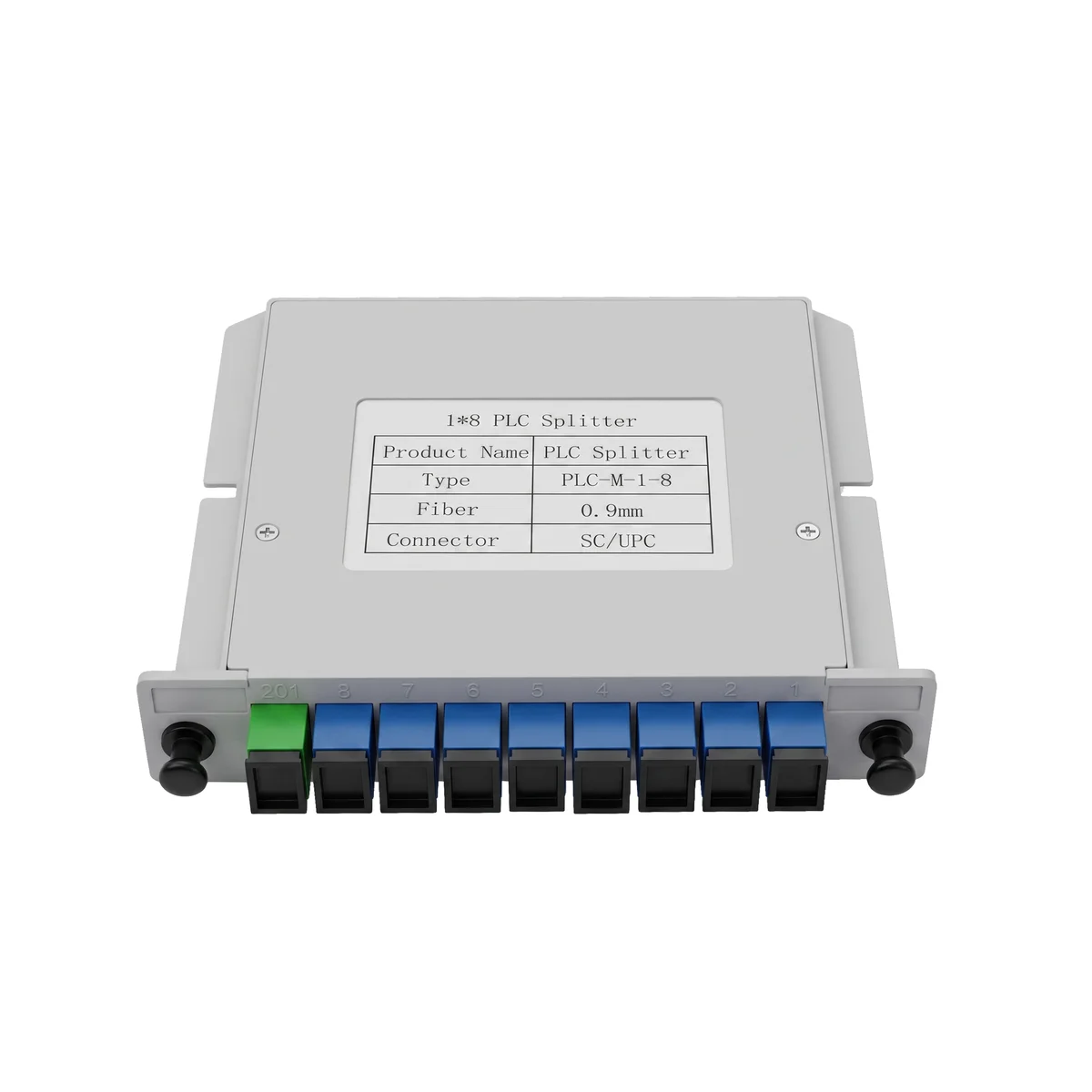
1x8 PLC Splitter Cassette (JPLCC-8A)
Compact card-type splitter for FDC/FDB integration, SC/LC adapters, −40 to +85°C
View Product →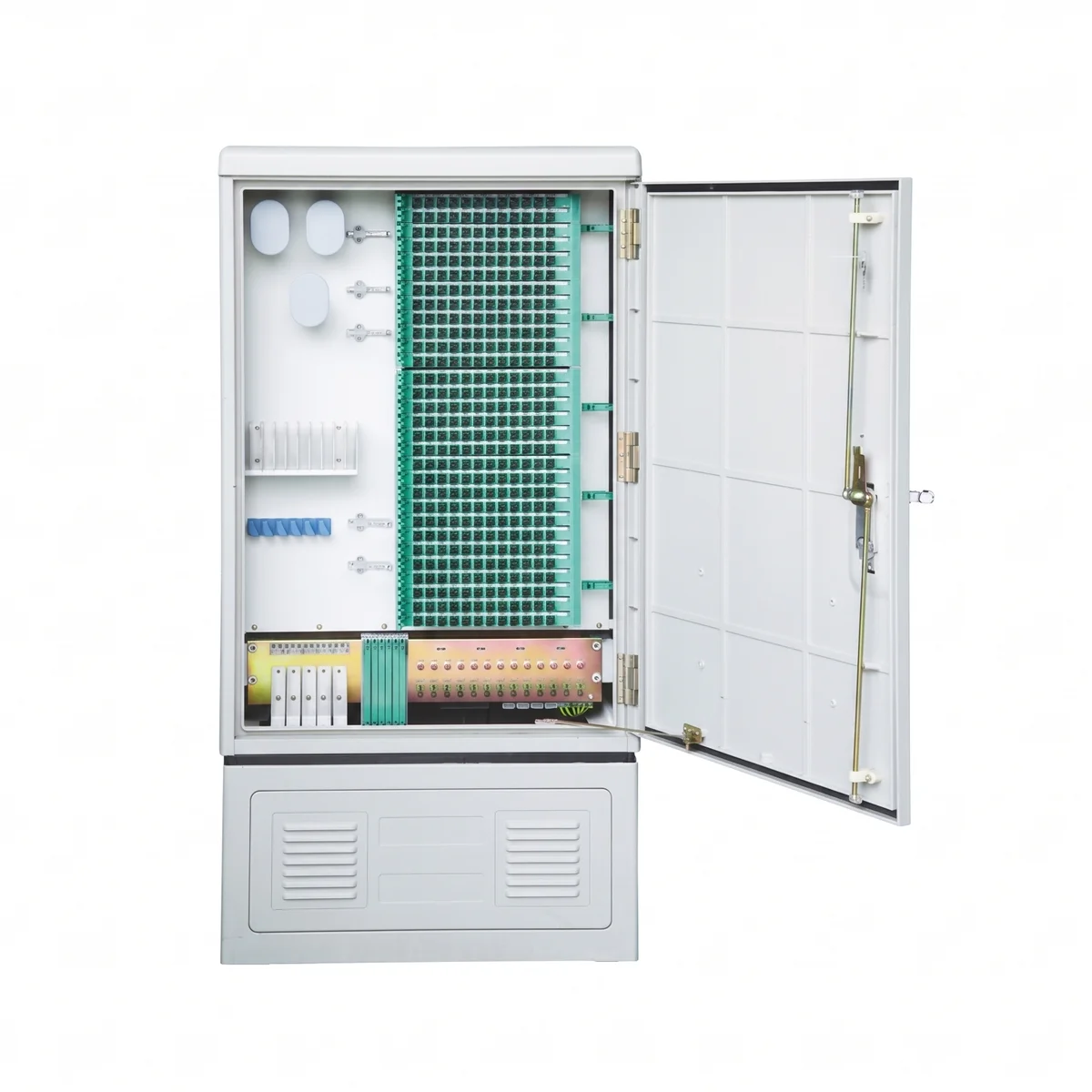
Outdoor FDC 288 Ports (JFDC-288A)
SMC enclosure, IP65, wall/pole/ground mount, integrated PLC splitter tray
View Product →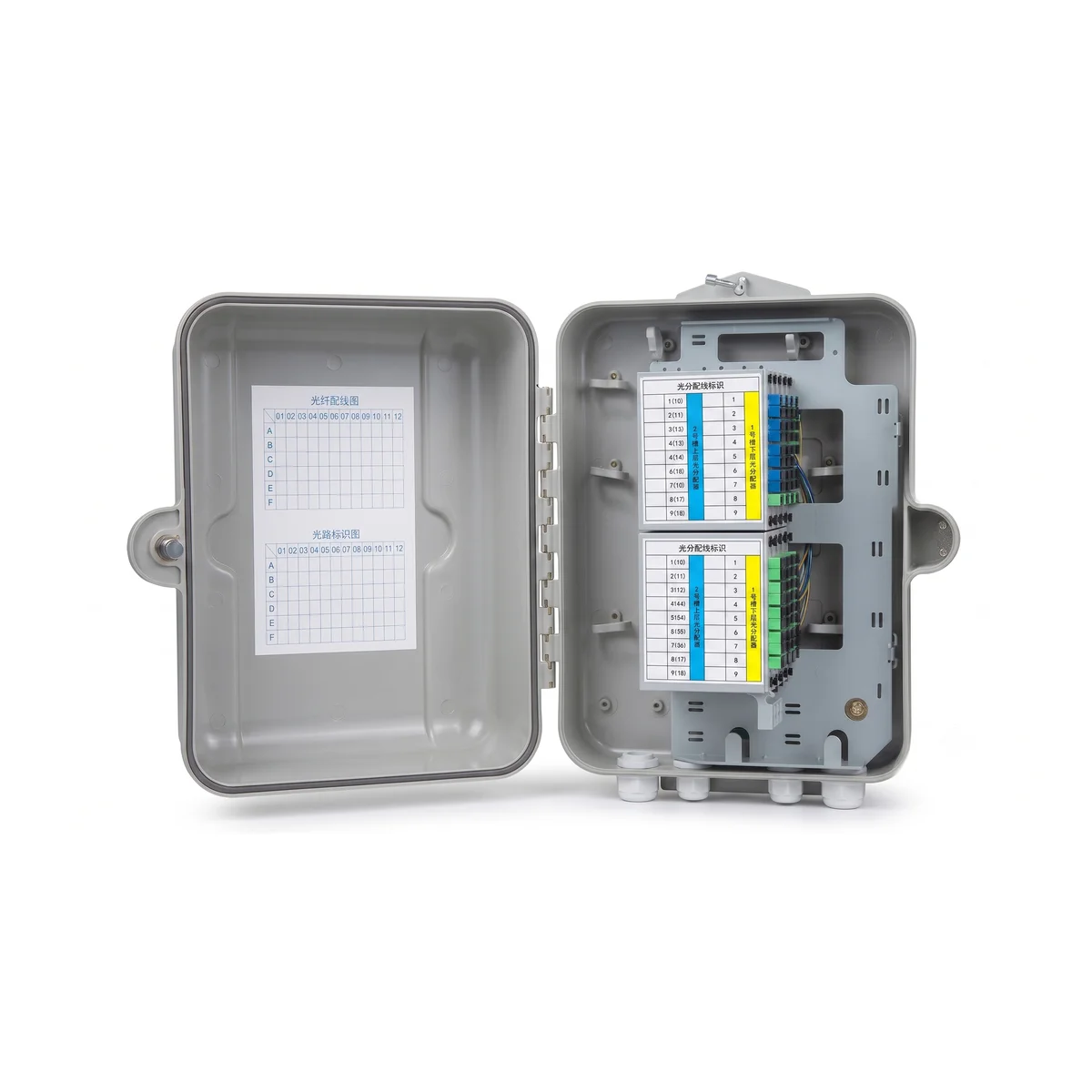
Outdoor FDB 64 Ports (JFDB-64A)
Compact FTTH drop box, IP65, SC/APC adapters, splitter-ready
View Product →Related Articles

Fiber Optic Splitter Guide
PLC vs FBT splitters, split ratios and connector options — the components that drive PON loss.
Read Article →
FTTH Network Architecture Guide
Understand the full ODN hierarchy from OLT to ONT — and where splitters and loss sit in the path.
Read Article →
Fiber Optic Network Expansion Guide
Capacity planning and phased deployment — where power budgets shape split ratios and cabinet sizing.
Read Article →